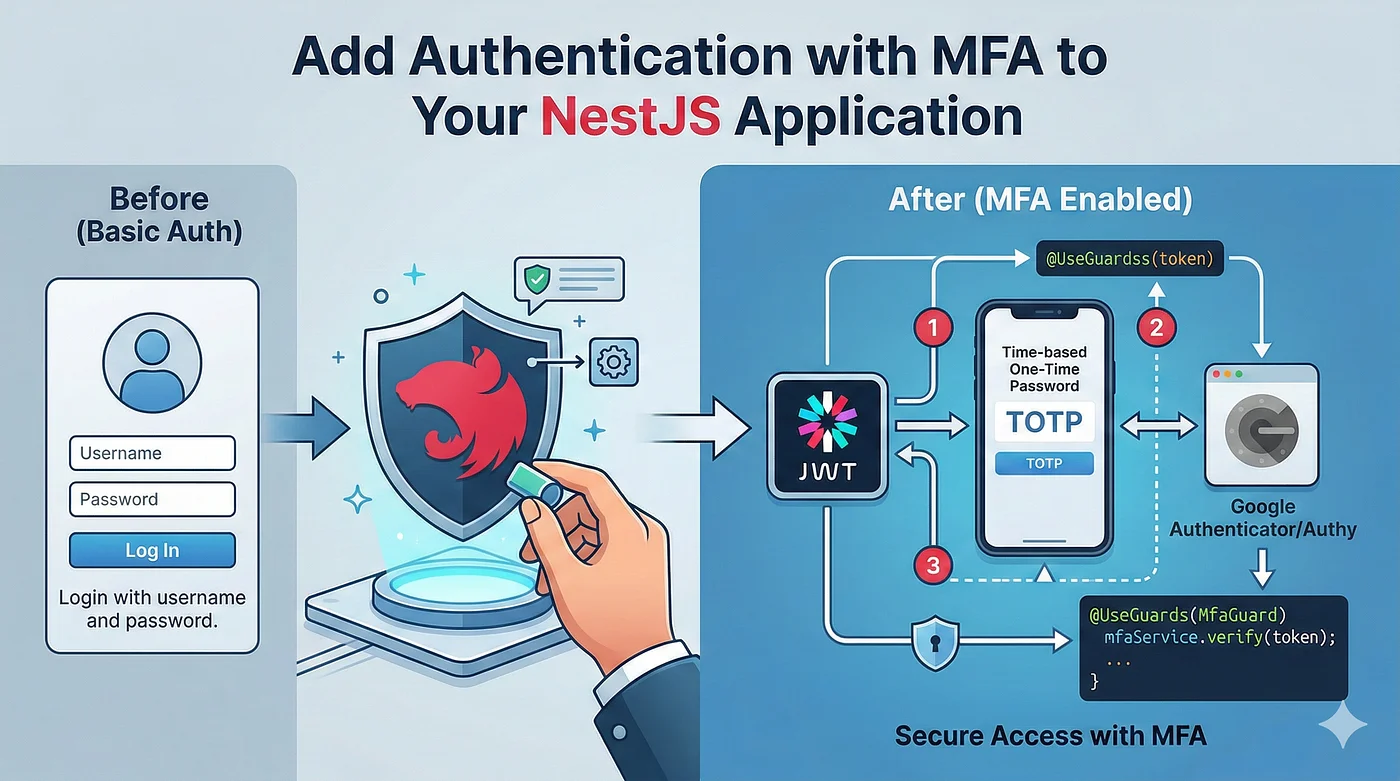
Most guides on building a Node.js authentication system stop at “hash the password and return a JWT.” Real applications need email verification, token refresh with rotation, multi-factor authentication, password policies, session management, and audit trails. That’s a lot of security-critical code to write and maintain.
nauth-toolkit is a free auth engine that runs inside any NodeJS app — not a SaaS service, not a proxy. Your data stays in your database. In this guide, we’ll set up a complete authentication system with email verification, TOTP authenticator app support, email-based 2FA, and JSON token delivery you can test with curl in minutes.
What we will build
- Email/password signup with email verification (real SMTP via Nodemailer)
- Login with JWT access + refresh tokens (JSON delivery — easy to test)
- Multi-factor authentication: TOTP (Google Authenticator, Authy) and email codes
- Password reset flow
- Protected routes with a single decorator
Install
npm install @nauth-toolkit/nestjs
npm install @nauth-toolkit/database-typeorm-postgres typeorm pg
# or @nauth-toolkit/database-typeorm-mysql typeorm mysql (if you are using mysql)
npm install @nauth-toolkit/storage-database
npm install @nauth-toolkit/email-nodemailer
npm install @nauth-toolkit/mfa-totp @nauth-toolkit/mfa-email
npm install dotenv reflect-metadata
Each package is a focused plugin — you only install what you use. nauth-toolkit also has an SMS MFA provider (@nauth-toolkit/mfa-sms) and AWS SNS adapter (@nauth-toolkit/sms-aws-sns) if you need SMS-based 2FA later.
Configure
The only required config is your JWT secrets and token expiration. Everything else has sensible defaults.
src/config/auth.config.ts:
import { NodemailerEmailProvider } from '@nauth-toolkit/email-nodemailer';
import { createDatabaseStorageAdapter, MFAMethod, NAuthModuleConfig } from '@nauth-toolkit/nestjs';

export const authConfig: NAuthModuleConfig = {
  storageAdapter: createDatabaseStorageAdapter(),
  jwt: {
    accessToken: {
      secret: process.env.JWT_SECRET,
      expiresIn: '15m',
    },
    refreshToken: {
      secret: process.env.JWT_REFRESH_SECRET!,
      expiresIn: '7d',
    },
  },
  tokenDelivery: { method: 'json' },
  mfa: {
    enabled: true,
    enforcement: 'OPTIONAL',
    allowedMethods: [MFAMethod.TOTP, MFAMethod.EMAIL],
  },
  emailProvider: new NodemailerEmailProvider({
    transport: {
      host: process.env.SMTP_HOST,
      port: parseInt(process.env.SMTP_PORT || '587', 10),
      auth: { user: process.env.SMTP_USER, pass: process.env.SMTP_PASS },
    },
    defaults: { from: process.env.SMTP_FROM },
  }),
};
That’s it. Out of the box you get:
- Signup with email verification and strong password policy (8+ chars, uppercase, numbers, special chars, common password prevention)
- Login with JWT access/refresh tokens and automatic rotation
- MFA with TOTP (Google Authenticator, Authy) and email codes, SMS or Passkeys (not covered here but you can read nauth docs for more)
- Password reset with time-limited codes
- Session management with configurable concurrent limits
- Audit logging for every auth event
The storageAdapter stores sessions and challenges in your existing PostgreSQL — no Redis needed. tokenDelivery: 'json' means tokens come back in the response body, so you can test everything with curl. No cookies, no CSRF complexity.
Want to override any defaults? The configuration reference covers every option.
Wire Up
Three files — module, auth module, bootstrap:
src/app.module.ts:
import { Module } from '@nestjs/common';
import { TypeOrmModule } from '@nestjs/typeorm';
import { AuthModule } from './auth/auth.module';
import { getNAuthEntities, getNAuthTransientStorageEntities } from '@nauth-toolkit/database-typeorm-postgres';

@Module({
  imports: [
    TypeOrmModule.forRoot({
      type: 'postgres',
      host: process.env.DB_HOST || 'localhost',
      port: parseInt(process.env.DB_PORT ?? '5432', 10),
      username: process.env.DB_USERNAME,
      password: process.env.DB_PASSWORD,
      database: process.env.DB_DATABASE ?? 'myapp',
      entities: [...getNAuthEntities(), ...getNAuthTransientStorageEntities()],
      synchronize: process.env.NODE_ENV !== 'production',
    }),
    AuthModule,
  ],
})
export class AppModule {}
src/auth/auth.module.ts:
import { Module } from '@nestjs/common';
import { AuthController } from './auth.controller';
import { AuthModule as NAuthModule } from '@nauth-toolkit/nestjs';
import { TOTPMFAModule } from '@nauth-toolkit/mfa-totp/nestjs';
import { EmailMFAModule } from '@nauth-toolkit/mfa-email/nestjs';
import { authConfig } from '../config/auth.config';

@Module({
  imports: [TOTPMFAModule, EmailMFAModule, NAuthModule.forRoot(authConfig)],
  controllers: [AuthController],
})
export class AuthModule {}
MFA modules auto-register with the auth engine. Adding a new provider is a one-line import.
src/main.ts:
import { NestFactory } from '@nestjs/core';
import * as dotenv from 'dotenv';
dotenv.config();

import { AppModule } from './app.module';
import { NAuthHttpExceptionFilter, NAuthValidationPipe } from '@nauth-toolkit/nestjs';

async function bootstrap() {
  const app = await NestFactory.create(AppModule);
  app.useGlobalFilters(new NAuthHttpExceptionFilter());
  app.useGlobalPipes(new NAuthValidationPipe());
  app.enableCors({ origin: true, credentials: true, allowedHeaders: ['Content-Type', 'Authorization'] });
  await app.listen(process.env.PORT || 3000);
}
bootstrap();
The Controller
Your route handlers are one-liners — all business logic lives in nauth’s services:
import { Controller, Post, Get, Body, UseGuards, HttpCode, HttpStatus, Inject, Query } from '@nestjs/common';
import {
  AuthService, SignupDTO, LoginDTO, AuthResponseDTO, AuthGuard, CurrentUser,
  Public, IUser, RespondChallengeDTO, MFAService, RefreshTokenDTO, TokenResponse,
  ForgotPasswordDTO, ForgotPasswordResponseDTO, ConfirmForgotPasswordDTO,
  ConfirmForgotPasswordResponseDTO, GetSetupDataDTO, GetSetupDataResponseDTO,
  UserResponseDTO, ChangePasswordDTO, LogoutDTO,
} from '@nauth-toolkit/nestjs';

@UseGuards(AuthGuard)
@Controller('auth')
export class AuthController {
  constructor(
    private readonly authService: AuthService,
    @Inject(MFAService) private readonly mfaService?: MFAService,
  ) {}

  @Public() @Post('signup') @HttpCode(HttpStatus.CREATED)
  async signup(@Body() dto: SignupDTO): Promise<AuthResponseDTO> {
    return this.authService.signup(dto);
  }

  @Public() @Post('login') @HttpCode(HttpStatus.OK)
  async login(@Body() dto: LoginDTO): Promise<AuthResponseDTO> {
    return this.authService.login(dto);
  }

  @Public() @Post('respond-challenge') @HttpCode(HttpStatus.OK)
  async respondToChallenge(@Body() dto: RespondChallengeDTO): Promise<AuthResponseDTO> {
    return this.authService.respondToChallenge(dto);
  }

  @Public() @Post('refresh') @HttpCode(HttpStatus.OK)
  async refresh(@Body() dto: RefreshTokenDTO): Promise<TokenResponse> {
    return this.authService.refreshToken(dto);
  }

  @Public() @Post('forgot-password')
  async forgotPassword(@Body() dto: ForgotPasswordDTO): Promise<ForgotPasswordResponseDTO> {
    dto.baseUrl = `${process.env.FRONTEND_URL || 'http://localhost:4200'}/auth/reset-password`;
    return this.authService.forgotPassword(dto);
  }

  @Public() @Post('forgot-password/confirm')
  async confirmForgotPassword(@Body() dto: ConfirmForgotPasswordDTO): Promise<ConfirmForgotPasswordResponseDTO> {
    return this.authService.confirmForgotPassword(dto);
  }

  @Public() @Post('challenge/setup-data')
  async getSetupData(@Body() dto: GetSetupDataDTO): Promise<GetSetupDataResponseDTO> {
    return this.mfaService!.getSetupData(dto);
  }

  @Get('profile')
  async getProfile(@CurrentUser() user: IUser): Promise<UserResponseDTO> {
    return UserResponseDTO.fromEntity(user);
  }

  @Get('sessions')
  async getUserSessions() { return this.authService.getUserSessions(); }

  @Post('change-password')
  async changePassword(@Body() dto: ChangePasswordDTO) { return this.authService.changePassword(dto); }

  @Get('logout')
  async logout(@Query() dto: LogoutDTO) { return this.authService.logout(dto); }
}
@UseGuards(AuthGuard) locks down everything by default. @Public() opens specific routes. @CurrentUser() gives you the authenticated user. That’s the entire auth API for your app.
How It Works: The Challenge System
nauth uses a challenge-based flow that handles every multi-step auth scenario through a single endpoint.
When a user signs up, they don’t get tokens immediately — they get a challenge:
POST /auth/signup → { challengeName: "VERIFY_EMAIL", session: "..." }They verify, and if MFA is configured, they may get another challenge:
POST /auth/respond-challenge → { challengeName: "MFA_SETUP_REQUIRED", session: "..." }Every challenge resolves through the same POST /auth/respond-challenge endpoint. Email verification, TOTP codes, email MFA codes, forced password changes — all unified. Challenges chain automatically until the user is fully authenticated, then tokens are returned.
For TOTP setup, the POST /auth/challenge/setup-data endpoint returns a QR code and manual entry key that works with Google Authenticator, Authy, or any TOTP app.
This design means your frontend only needs one challenge-handling component regardless of how many auth steps are involved.
Try It
Create a .env file:
DB_HOST=localhost
DB_PORT=5432
DB_USERNAME=postgres
DB_PASSWORD=postgres
DB_DATABASE=myapp

JWT_SECRET=change-this-to-a-long-random-string
JWT_REFRESH_SECRET=change-this-to-another-long-random-string

SMTP_HOST=smtp.mailgun.org
SMTP_PORT=587
SMTP_USER=postmaster@yourdomain.com
SMTP_PASS=your-smtp-password
SMTP_FROM="My App <noreply@yourdomain.com>"
# Signup
curl -s -X POST http://localhost:3000/auth/signup \
-H "Content-Type: application/json" \
-d '{"email": "user@example.com", "password": "MyP@ss123"}' | jq# Verify email (code arrives in inbox)
curl -s -X POST http://localhost:3000/auth/respond-challenge \
-H "Content-Type: application/json" \
-d '{"session": "...", "type": "VERIFY_EMAIL", "code": "123456"}' | jq
# Login → get tokens in response body
curl -s -X POST http://localhost:3000/auth/login \
-H "Content-Type: application/json" \
-d '{"identifier": "user@example.com", "password": "MyP@ss123"}' | jq
# Access protected route
curl -s http://localhost:3000/auth/profile \
-H "Authorization: Bearer <accessToken>" | jqWhat Else Is in the Box
Beyond what we set up above, nauth-toolkit supports:
- Social login — Google, Apple, Facebook with auto-linking to existing accounts
- SMS MFA via AWS SNS (add
@nauth-toolkit/mfa-sms+@nauth-toolkit/sms-aws-sns) - Passkey/WebAuthn MFA for passwordless second factors
- Cookie and hybrid token delivery with automatic CSRF protection
- Account lockout and rate limiting on sensitive endpoints
- Device trust — let users skip MFA on remembered devices
- Lifecycle hooks — run custom logic before signup, after login, on MFA triggers
- Adaptive security — risk-based MFA triggers based on location, device, and behavior
All configurable through the same config object. Add what you need, when you need it.
nauth-toolkit works identically with Express and Fastify — the same core services, just a different adapter.
Full working examples (NestJS, Express, Fastify, React): nauth.dev/docs/quick-start
Quick-start guides and docs: nauth.dev